How to use a CRM: a practical daily workflow
A CRM is useful when it tells you what happened with a customer and what to do next. Here is a practical routine for a team moving away from scattered notes and spreadsheets.
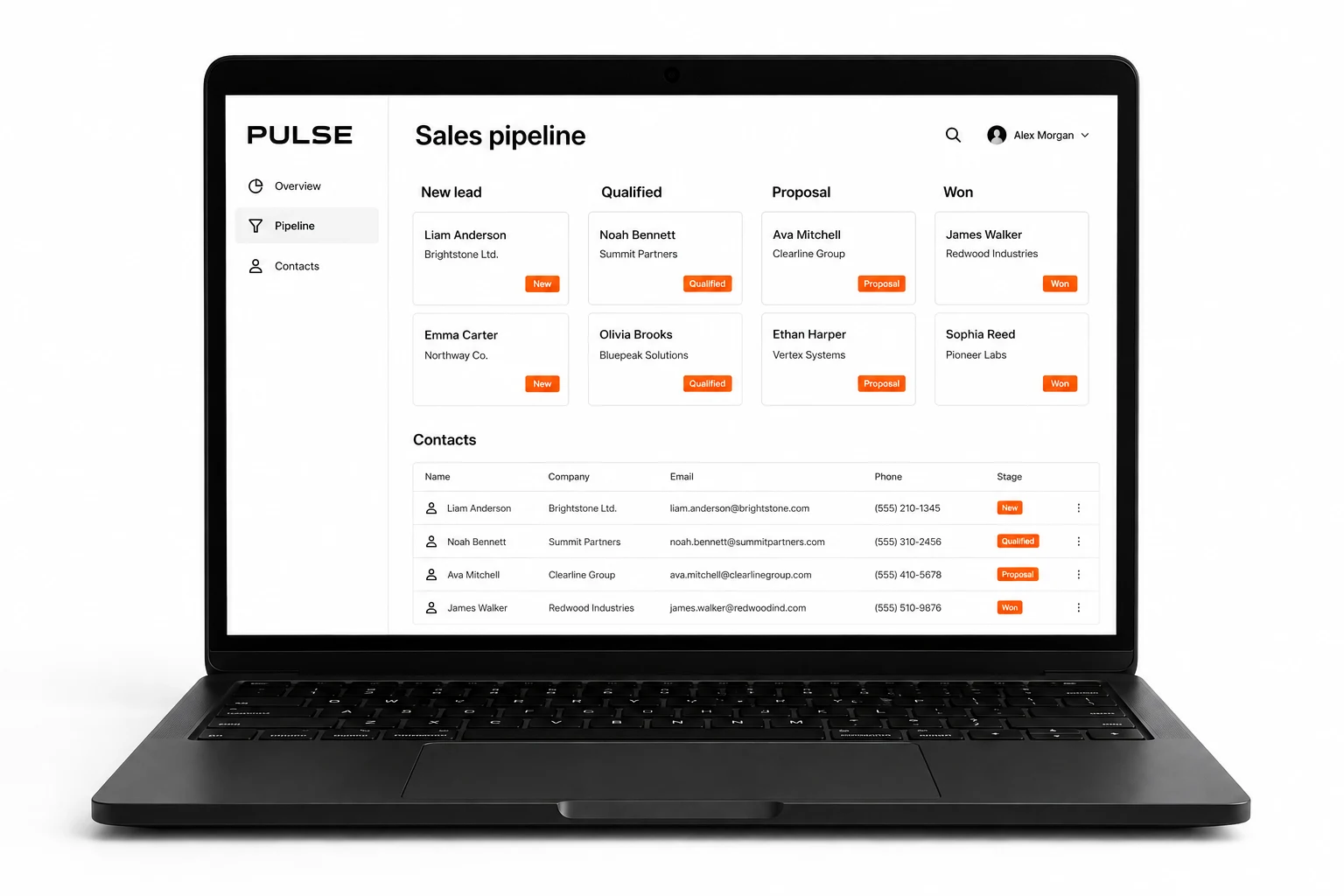
Know what each record is for
Working with a CRM starts with a few shared definitions. A contact is a person. A company record groups information about a business. An enquiry or lead is an early expression of interest. A deal is a specific sales opportunity you are actively working on. A task is an action someone needs to complete.
Names vary between systems. Agree on your team's meanings before importing data. One customer may have several deals, so moving a deal to “lost” should not mean deleting the customer and their entire history.
Give every open enquiry an owner and a next action
Imagine a fictional supplier receiving a request from a website form. The team checks whether the customer already exists, records what they need and assigns an owner. The owner schedules a call. After the call, they add a short note and a dated follow-up.
“Called customer” is less useful than “Needs delivery in October; send the specification on Tuesday.” Keep notes relevant and avoid unnecessary sensitive details. If there is no next action, decide whether the enquiry is genuinely active or should be closed.
Use a short morning and evening routine
- Start with overdue and today's tasks, rather than browsing the whole customer list.
- Check newly assigned enquiries and confirm who is handling each one.
- After a conversation, record the outcome while it is fresh.
- Update the sales stage only when the agreed condition has been met.
- Before finishing, make sure active deals have a next step and date.
This is a suggested routine, not a requirement to add administration after every click. Keep mandatory fields to the information your team actually uses. If people repeatedly avoid a field, ask why before adding another reminder.
Treat tasks and sales stages as different things
A stage describes where a deal stands. A task says what someone will do next. “Quote sent” can be a stage; “Call about the quote on Friday” is a task. Mixing the two makes the pipeline harder to understand.
For a concrete product example, Pipedrive lets users connect activities such as calls or meetings to relevant records. The exact buttons depend on your CRM. Pipedrive activity documentation.
Import a small sample before the whole spreadsheet
Keep an untouched copy of your original data. Remove obvious duplicates, choose consistent field names and decide how existing customers will be identified. Import a small sample and check contacts, owners, dates and links between records before continuing.
Requirements differ by platform. HubSpot, for example, documents accepted files, column headers and identifiers used to update records. Check your own CRM's current instructions instead of assuming every spreadsheet will import correctly. HubSpot import requirements.
Review the process with the team
Start with one workflow and a small group. Ask which tasks are hard to find, where information is entered twice and which notifications are ignored. Fix those problems before introducing more automation. Agree who maintains fields and access when people join or leave.
If an enquiry needs to become a quote, then a job, then a service visit, a sales-only setup may need integrations or a more tailored system. Auri develops custom CRM workflows for these needs. Show us one real process, using anonymized examples, and we can discuss what belongs in the first version.
Next steps
Explore custom CRM development · Discuss your process
How to choose a CRM for a small business
Custom CRM or ready-made: which should you choose?
← All articles