How to choose a CRM for a small business
Do not start with a list of popular CRM brands. Start with the work your team needs to do. This guide gives you a simple way to compare systems before committing.
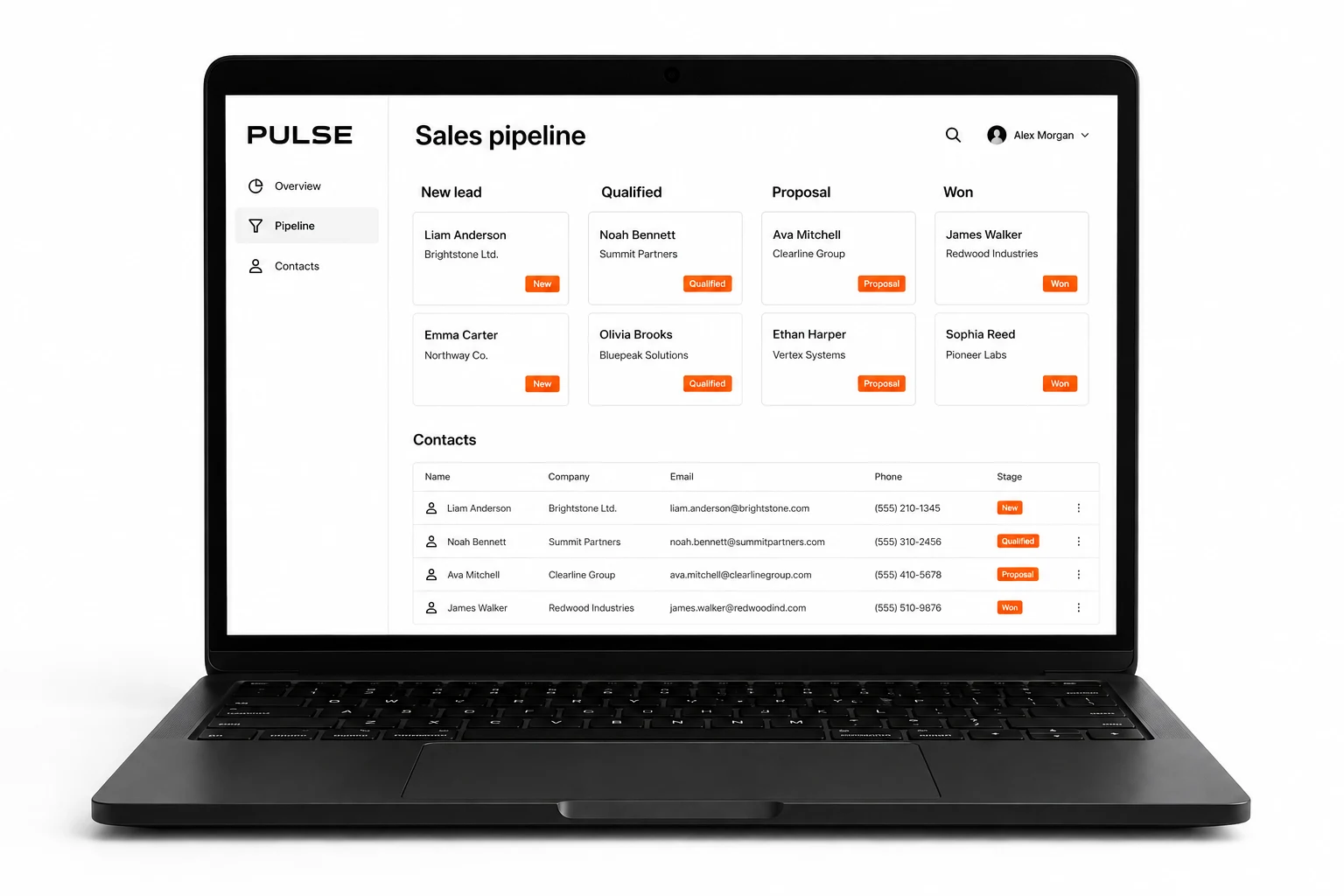
Start with the problem you want to solve
The right CRM for a small business is the one your team can use to manage customer relationships without creating another place to copy information. More features do not automatically make it a better fit.
Write down three recurring problems. Perhaps enquiries get lost between email and a spreadsheet. Nobody knows who should call a customer next. Or the owner has to ask each salesperson for an update. These problems become your selection criteria.
Turn your workflow into a short test
Use a made-up enquiry rather than real customer details during an early demo. For example, imagine a maintenance company receiving a request for a quote. Ask a team member to add the enquiry, assign it, record a conversation, prepare the next action and find it again.
Watch where they hesitate. Can they see the customer history without opening several screens? Can another colleague understand what happened? A polished presentation is less useful than seeing your own process work from beginning to end.
Check the essentials before the extras
- Customer records: contacts, companies, conversation history and a clear owner.
- Sales stages: names that match your process, with a simple rule for moving to the next stage.
- Follow-ups: a responsible person, due date and visible overdue tasks.
- Connections: the website forms, email, calendar or order system you already use.
- Access: what each team member can view, change or export.
- Data portability: how you can export useful records if you leave.
CRM platforms organize these features differently. Salesforce describes CRM as a way to bring customer information and interactions together. Treat that as the purpose, not a reason to buy a particular brand. Read the Salesforce explanation.
Compare the full cost, not one monthly price
Ask for the price of the configuration you actually need. Include users, required plan features, setup, data cleanup, integrations, training and ongoing support. Ask what changes when you add people or need another connection.
Do not assume an advertised entry plan includes every feature shown in a demo. Request a written list of what is included. Use the same expected team size and scope when comparing options; otherwise the totals describe different products.
Let the people doing the work test it
Choose a small pilot group and agree what success looks like before testing. An example target is being able to find every open enquiry, its owner and its next action. This is a proposed test, not a promised business result.
Keep a short scorecard: works as needed, works with configuration, needs a separate integration, or cannot do it. Record the extra cost beside each gap. Do not let a long feature checklist hide one missing step your team depends on.
When a custom CRM is worth discussing
A ready-made CRM is a sensible starting point when your sales process fits its standard tools. Custom development deserves a conversation when important work still happens outside the system or needs awkward workarounds.
Auri builds CRM systems around specific business processes. If you are unsure whether to configure an existing tool or build your own, bring us your workflow and the gaps you found. We can discuss the scope before you commit to development.
Next steps
Explore custom CRM development · Discuss your process
How to use a CRM: a practical daily workflow
Custom CRM or ready-made: which should you choose?
← All articles